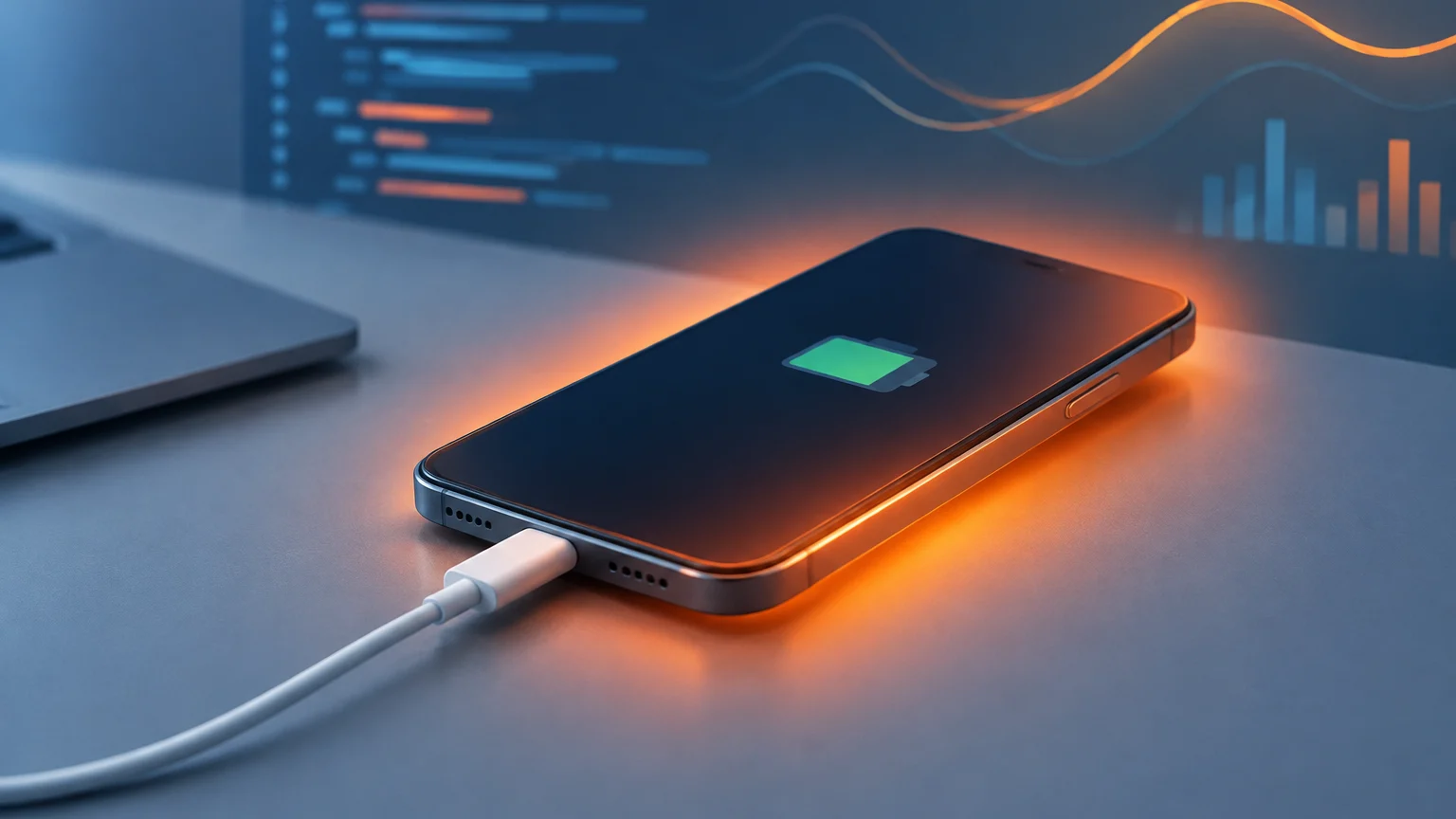
iOS 27 started rolling out this week, and a number of users are already reporting that their iPhones feel warmer than usual or lose charge faster than before. On their own, these symptoms don’t necessarily point to a failing battery. They’re more likely tied to background processes that kick in right after an update finishes installing.
That extra drain tends to show up mainly in the first few days following the update. There’s no official figure yet on how much battery life is being lost, nor a clear timeline for when things settle down. So while there’s a reasonable explanation for what’s happening, nobody can currently say exactly how big the impact is.
Once iOS 27 lands on a device, the phone still has work to do behind the scenes. It needs to index files and personal data so the system’s search function works properly, pull down resources tied to new features, and refresh installed apps. All of that activity draws power and generates heat, even if the screen is off and the phone looks like it’s just sitting there.
This kind of hidden workload is the most plausible reason for the sudden dip in battery performance right after migrating to a new version. The headline features Apple has added in iOS 27 don’t, by themselves, suggest any lasting harm to battery health.
None of this is new, really. Every major iOS release tends to trigger a similar pattern of temporary battery strain while the phone catches up on setup tasks.
Once indexing wraps up, downloads finish, and apps update themselves, battery life and temperature should return to normal. Apple has also said it plans to keep fine-tuning iOS 27 in future updates, aiming to strike a better balance between new features and power consumption.
There’s a separate, longer-term question worth watching. Siri AI and the expanded Apple Intelligence features may increasingly rely on processing done directly on the device itself. That means an iPhone owner who uses these tools regularly could end up asking their phone to do more computational work than it did before the update.
Right now, there’s no data translating any of this into a specific number of minutes or hours of lost battery life. Calling iOS 27 the confirmed cause of a broad, permanent decline in battery performance would be getting ahead of the evidence. What’s actually documented is the temporary heat and drain that shows up immediately after installation.
Every iPhone model capable of running iOS 26 can also upgrade to iOS 27 — the list of supported devices hasn’t changed. Access to the more advanced Apple Intelligence features, though, is still limited to the iPhone 15 Pro, iPhone 15 Pro Max, and newer models. Being able to install the update doesn’t mean every phone will be running the same background processes.
If you haven’t updated yet, it’s worth making sure your iPhone has at least 50 percent battery or is plugged into a charger during the process. A stable Wi-Fi connection helps with downloading the system files, and having a recent backup gives you a safety net in case anything goes wrong mid-update.
It’s also smart to pick a time when you can leave the phone plugged in afterward. Installation itself can take a while, and the setup tasks often continue running even after the phone restarts. A temporary dip in battery life during that window isn’t enough on its own to signal a lasting problem.